
Briora for Oxocard owners
Your Oxocard runs with Briora too. Describe in your own words what it should do, and the Briora agent writes, builds and runs the program right on your card.
Briora runs on all Oxocards — except the Oxocard Blockly.
The service is free for now.
How to get access
First, sign in with your Oxocard in the NanoPy environment: editor.nanopy.io.
There, click the link "Jetzt testen: Briora.ai" and register for Briora. Afterwards, sign in here, install the Briora firmware straight from your browser, and off you go.
Your Oxocard
Pick your card. On its page you install the Briora firmware and connect the card.
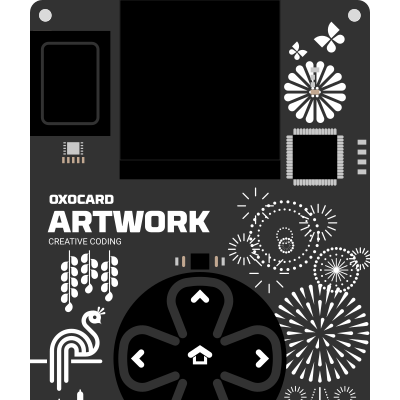
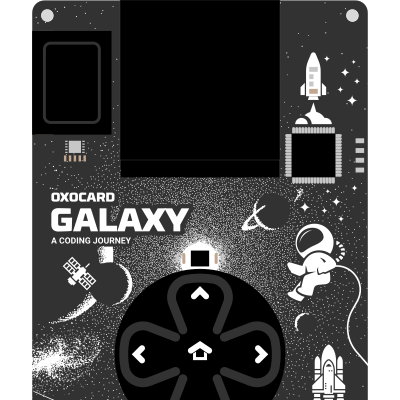
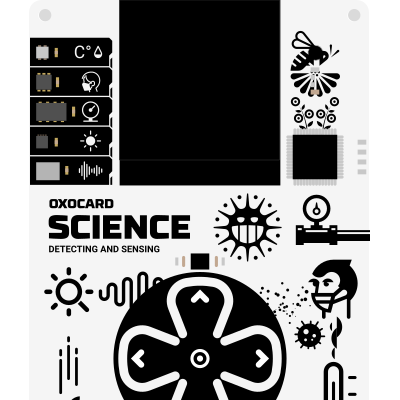
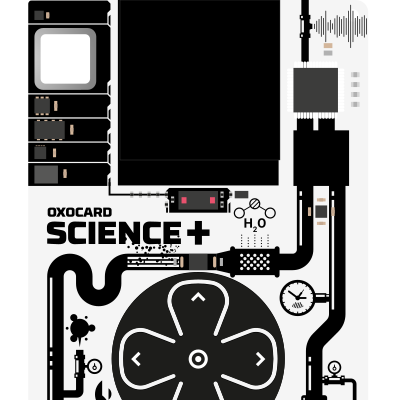
Oxocard Science Plus
Small card with a colour display, five buttons and sensors for climate and air.
Back to NanoPy?
Important: to work with NanoPy again, you need to reinstall the NanoPy version for your board. Use the Oxocard firmware tool for that.