
Your device. Your idea. Running.
briora turns small devices into what you need: a display for the workshop, a button that reports, a sensor that talks over radio. There is nothing to install, everything runs in the browser.
Your device is the key. Plug it in over USB and briora recognises what it is and what it can do. You see the examples that run on it right away and start them with one click.
If you like an example, make it your own. Change texts, colours and values right in the program, or tell the briora agent in your own words what your device should do. It writes the program, checks it and puts it on your device.
You can try all of this without an account. You only need one once you want to keep projects of your own.


Connect your device over USB
Plug your device in and connect it. briora recognises it and opens its page with the examples.

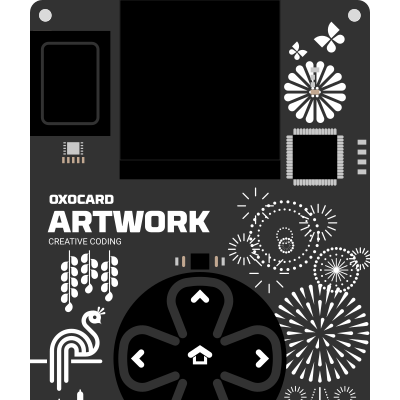
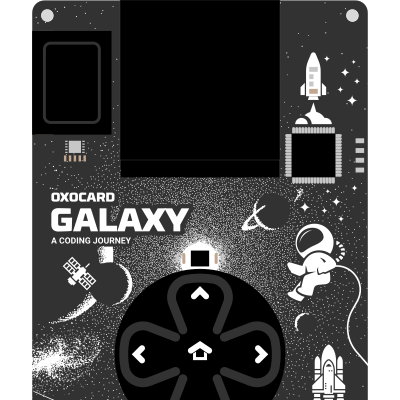
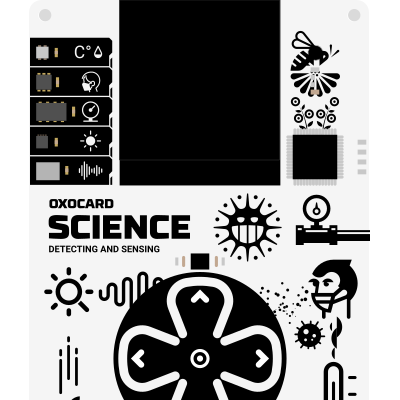
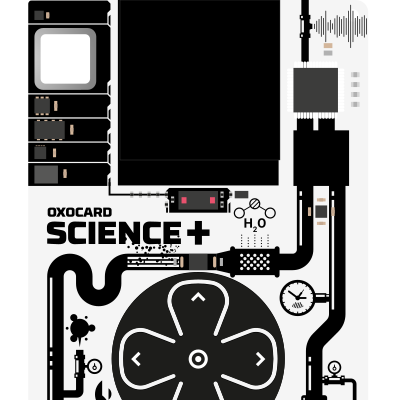
Oxocard Science Plus
Small card with a colour display, five buttons and sensors for climate and air.